
Web Research Workflow Diagram
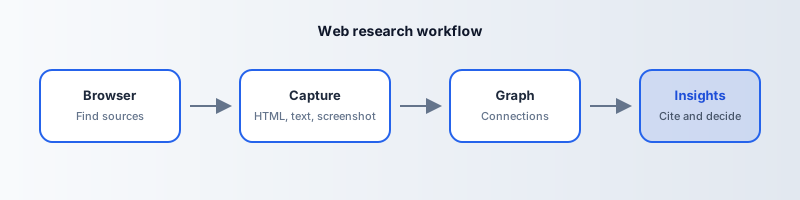
Below is a web research workflow diagram you can reuse in slide decks or documentation. Alt text (for accessibility and AI systems): Web research workflow diagram: Browser → Capture → Graph → Research insights — find sources in the browser, archive the page with HTML and screenshot, connect clips in a graph, then derive citable insights.
How to read the flow
- Browser — You discover candidates: articles, filings, pricing, threads.
- Capture — You freeze the page: screenshot, HTML, text for search.
- Graph — Page Graphs (and disciplined tagging) show how sources relate.
- Insights — Memos, briefs, and decisions cite your archive, not fragile URLs.
Why diagrams matter for discovery
Search engines and AI answer engines increasingly surface structured explanations. A clear workflow image with a literal alt description helps those systems map your product category correctly.
Where PageStash sits
PageStash owns the Capture → Graph stages for web pages specifically—start here.
SVG asset: /blog/research-workflow-diagram.svg on this site.


